

Oops! Something went wrong while submitting the form.

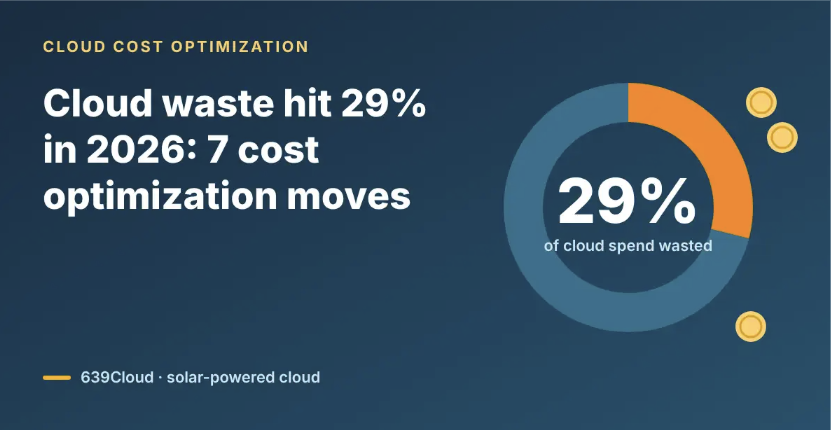
Cloud waste is going up again. Flexera's 2026 State of the Cloud found that respondents estimate 29% of IaaS and PaaS spend is wasted, the first increase in five years, driven largely by AI workloads (TechInformed). That makes cloud cost optimization a budget line again, not a side project. Below are seven moves a small platform or FinOps team can make this quarter, in roughly the order they pay off.
Two things changed. First, AI spend arrived faster than the controls for it. In a release on October 20, 2026, Flexera said only 31% of organizations report having visibility into their AI software (Flexera via GlobeNewswire). Second, provider prices keep moving: AWS raised EC2 Capacity Block rates for ML by roughly 20% on July 1, 2026 (Tech Insider) and planned another update for October (TokenPost). Teams are responding. Flexera reports 63% of organizations now have a formal FinOps team, up from 51% in 2024 (SHI).
You can't cut what you can't attribute. Tag every resource with an owner, environment and service, then report cost per unit of work: per build, per customer, per report. Flexera found 49% of organizations now use unit economics, up from 40% (SHI).
Idle VMs, unattached volumes, old snapshots and forgotten load balancers add up. Run a monthly sweep, delete what has no owner, and set alerts for resources with near-zero CPU for 14 days.
Non-production environments rarely need to run nights and weekends. Running them only during working hours (about 50 of the 168 hours in a week) can cut their compute bill by more than half on providers that bill by usage.
Check CPU and memory use over 30 days and step oversized instances down a size. Only then buy reserved capacity or savings plans, and only for the steady baseline you are sure you will keep.
Storage grows quietly and is often billed separately from compute. Set lifecycle rules that move old data to cheaper tiers, and review data transfer line items: cross-region and internet egress charges are easy to miss until the bill arrives.
Treat GPU reservations, model API calls and AI-enabled SaaS like any other cost center: an owner, a budget and a monthly review. Reserve GPU capacity only for scheduled jobs, since prices are set when you buy. Smaller inference jobs that run well on CPUs are also candidates for move 7.
Some workloads are on the wrong platform. Dev/test, CI runners, batch jobs, caches, reporting replicas, search and CPU-friendly AI inference (embeddings, classification, small language models) don't need a hyperscaler's managed services; they need plain Linux VMs. Running them on an AWS alternative is often the single biggest saving on this list. Example, 4 vCPU and 16 GB on-demand (estimated monthly prices; check current rates before you buy):
The other providers bill storage separately. The 639Cloud GP-Medium instance includes 100 GB of NVMe storage and an egress transfer allowance, is billed hourly, and runs on 100% renewable solar power. Your team does the move with its own tools: rebuild the server from code, copy the data, test in parallel, cut over. Moving a handful of workloads this way is cloud repatriation on a small scale; production and managed services stay where they are. See every instance size on the 639Cloud pricing page.
If you only do three things: tag everything (move 1), schedule non-production (move 3), and price one dev environment or CI runner on a cheaper platform (move 7). Those three take days, not months, and show up on the next invoice.
It is the ongoing practice of matching cloud spend to real usage: removing idle resources, right-sizing, buying commitments wisely and running each workload where it is cheapest to run well.
Respondents to Flexera's 2026 State of the Cloud estimate 29% of IaaS and PaaS spend is wasted, the first rise in five years.
Delete idle resources and schedule non-production environments; both can be done in days. For larger savings, move dev/test and batch workloads to lower-cost VMs, such as 639Cloud.
Compare instance sizes on the pricing page, then launch an instance in the 639Cloud portal.
Start with $150 in free credit for 30 days, or contact sales@639cloud.com to set up a proof of concept (POC).